
Audio for the commute
Any lesson becomes narrated audio with a floating MiniPlayer, so a drive or a walk counts as study time.
Prepare for meetings, decisions, customer calls, and new work topics in short sessions you can read at your desk or listen to on the move.


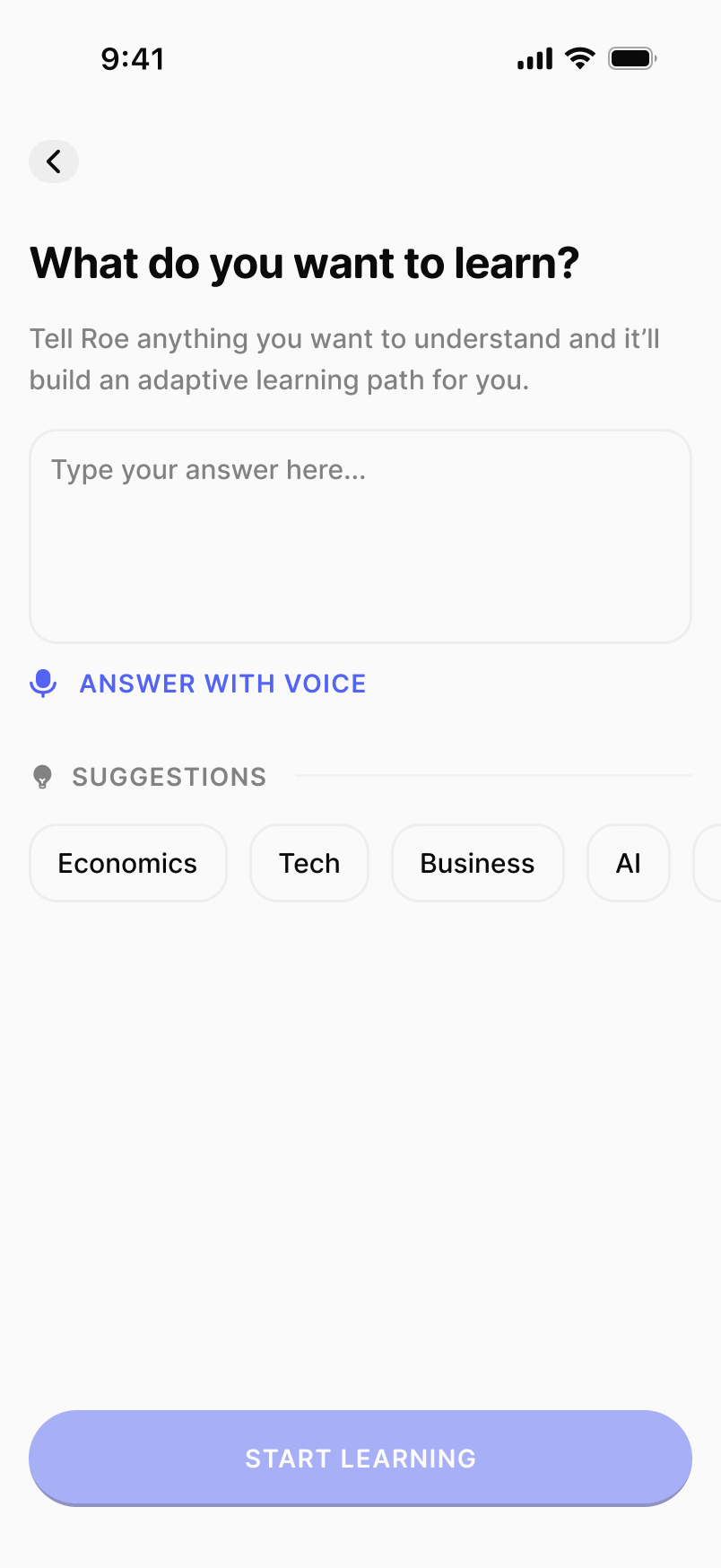
Negotiation, SQL, financial modeling, an upcoming call. Tell Roe what you need and it builds an adaptive path for you.
A plan sized in minutes per day. The first lesson is ready in seconds, with audio when your calendar will not give you reading time.
The next lesson is always on top. Read it over coffee or play the audio between meetings.
Any lesson becomes narrated audio with a floating MiniPlayer, so a drive or a walk counts as study time.
Miss a day in a crunch week and auto-freeze quietly saves your streak.
Spaced repetition resurfaces key ideas before they disappear from working memory.
“I had a 400-page strategy book sitting in my downloads for a year. Roe split it into six weeks and I actually got to the end.”
Amara Osei, product manager
Type the meeting, project, or skill tonight. The first lesson is ready before you close your laptop.